
$35.00
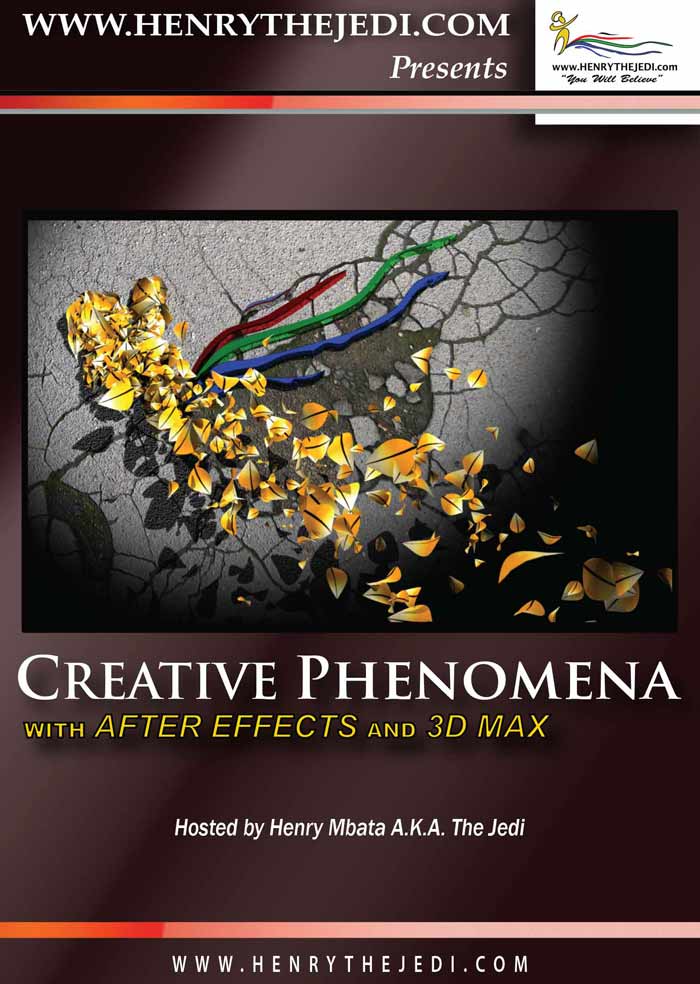
- Combine the power of After Effects and 3D Max to create beautiful and dynamic design elements
and particle-based animations





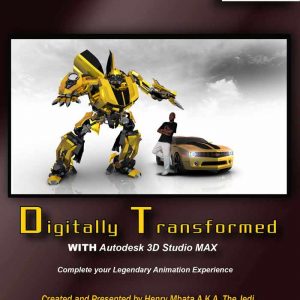
Description
-
Combine the power of After Effects and 3D Max to create beautiful and dynamic design elements
and particle-based animations - Highly Customisable: You can edit and modify settings according to your taste, so you experince
the ultimate level of crative freedom and reusability - 9 creative video tutorials lasting more than 6(six) hours
- No third-party plugins required: in True Henrythejedi.com Tradition, we save you time and money
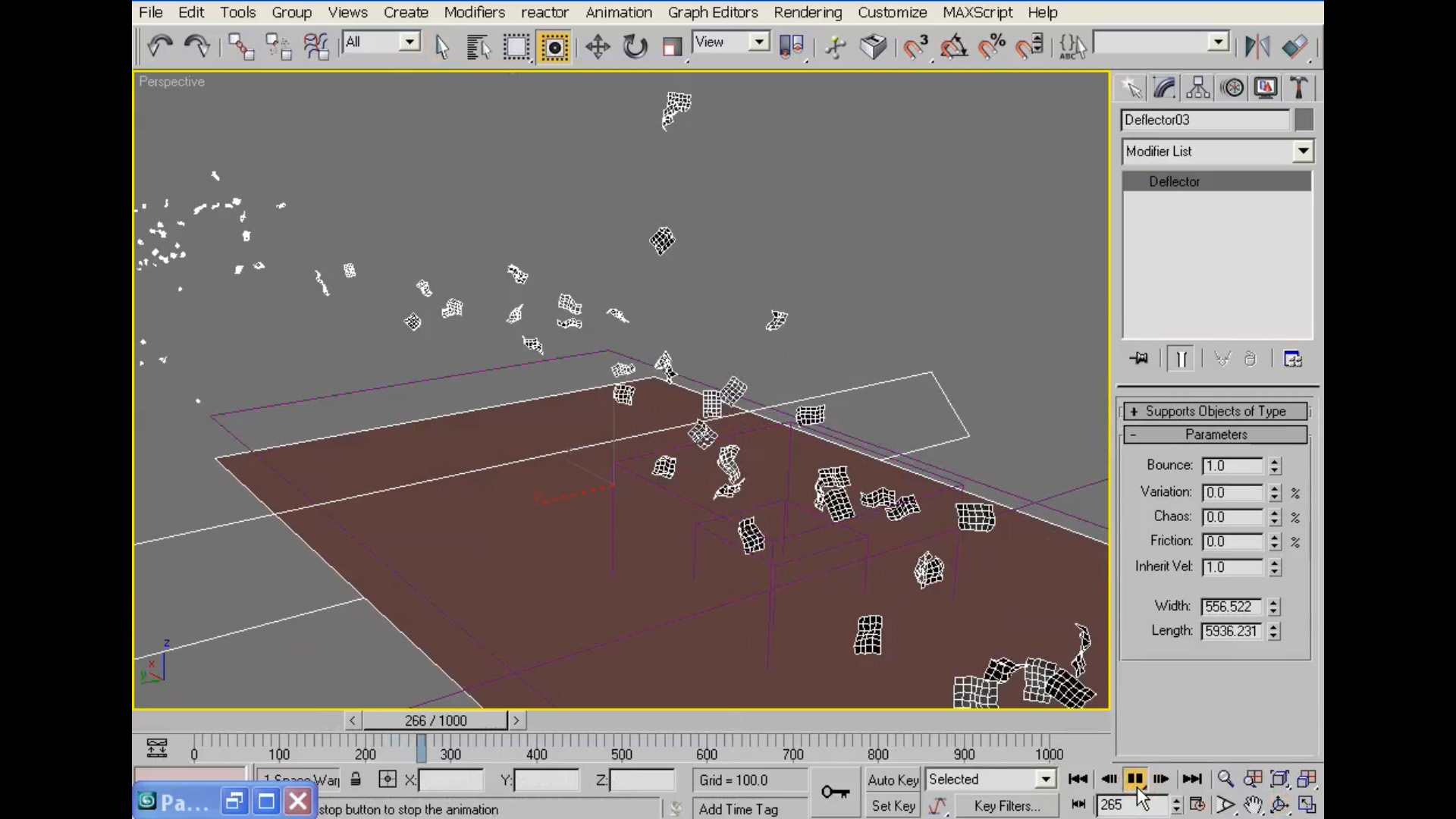
on expensive plugins by relying on 3D Max’s limitless creative possibilities
1. What is the Creative Phenomena DVD?
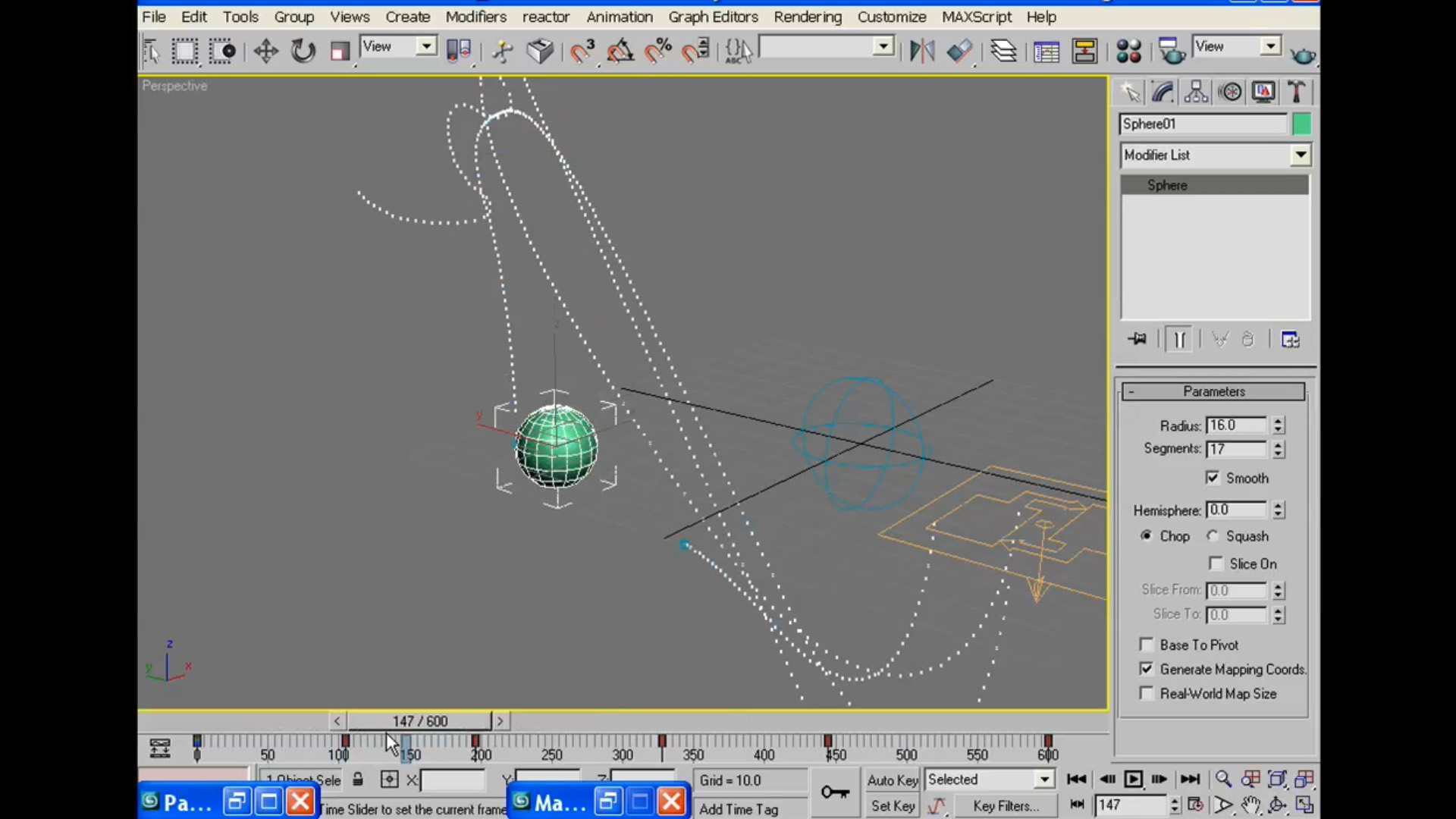
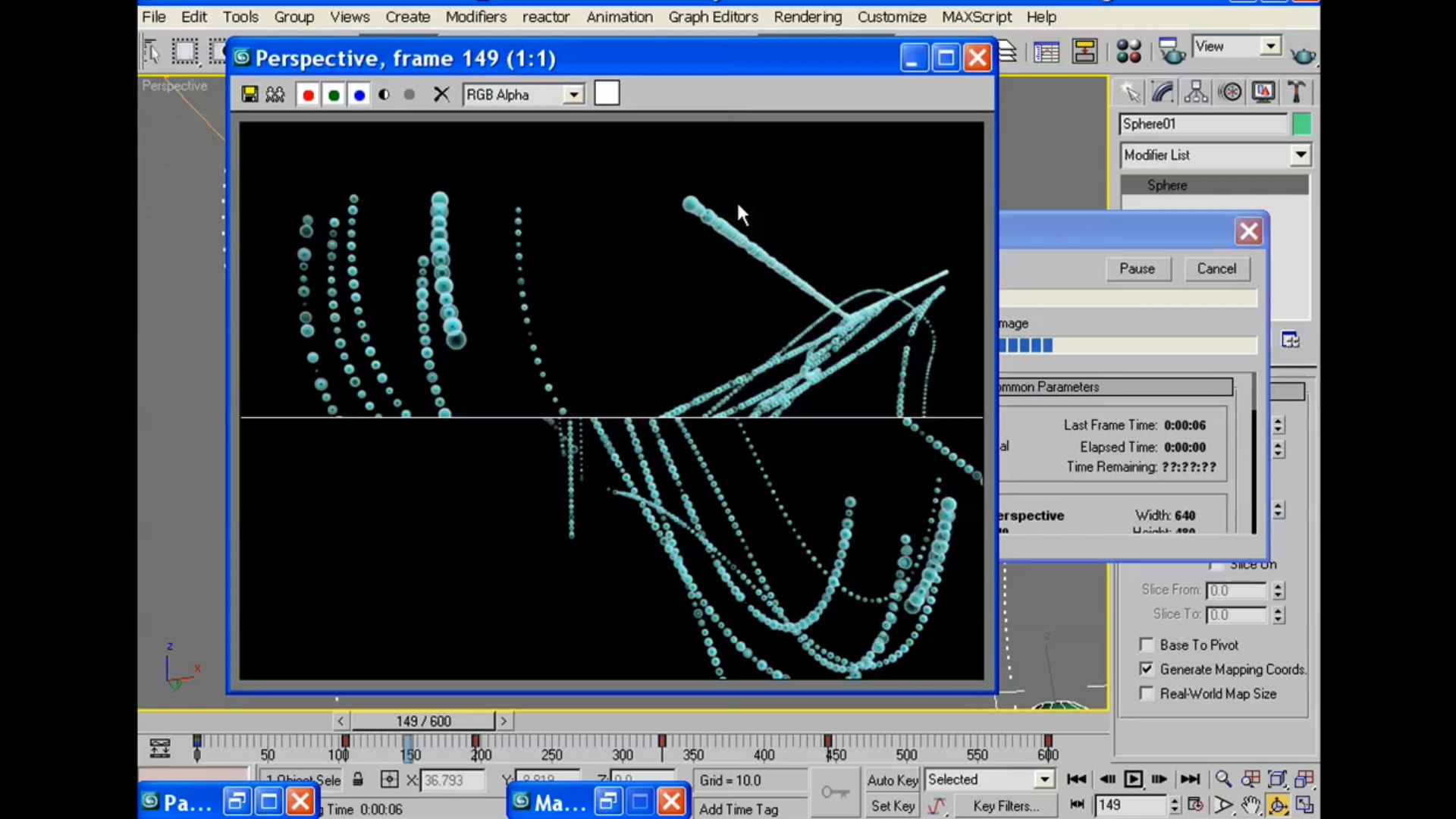
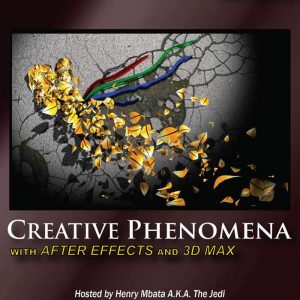
Creative Phenomena is a DVD which contains a series of 9(nine) video tutorials which cover topics in Adobe After Effects and Autodesk
3D Max. In the tutorials on this training DVD, we show you how to create some of the most beautiful and unique design elements, particles, and animations that are very dynamic
| Course Outline | Course Details |
|---|---|
| 1 Introduction | Software Used: Autodesk 3D Studio Max and Adobe After Effects |
| 2 3D Logo Animation | Skill Level: Intermediate/Advanced |
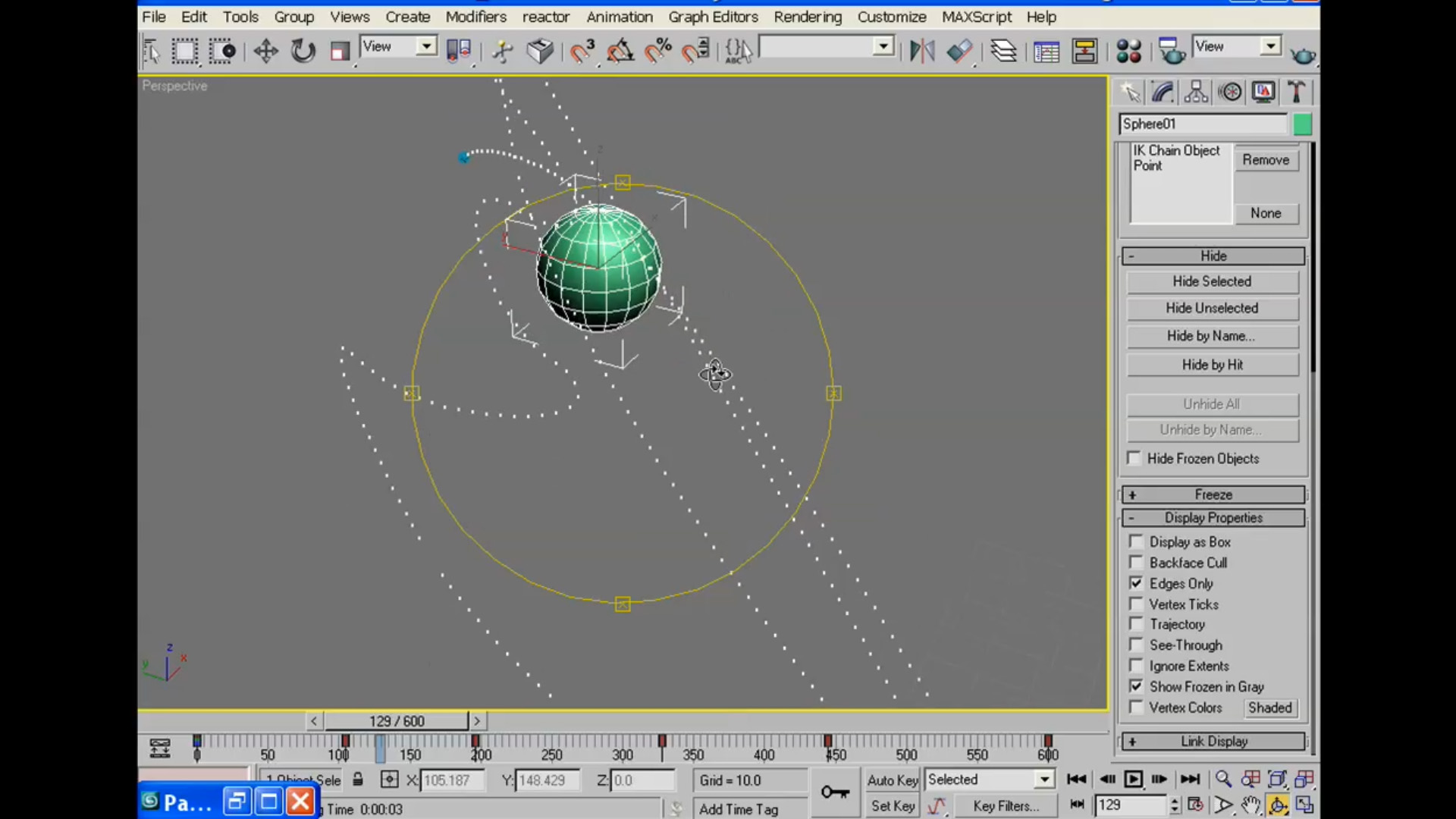
| 3 Abstract Organic Lines Animation | Duration: More Than 6 Hours |
| 4 Abstract Veins Animation | File Download Size: 1,2 Gigabytes |
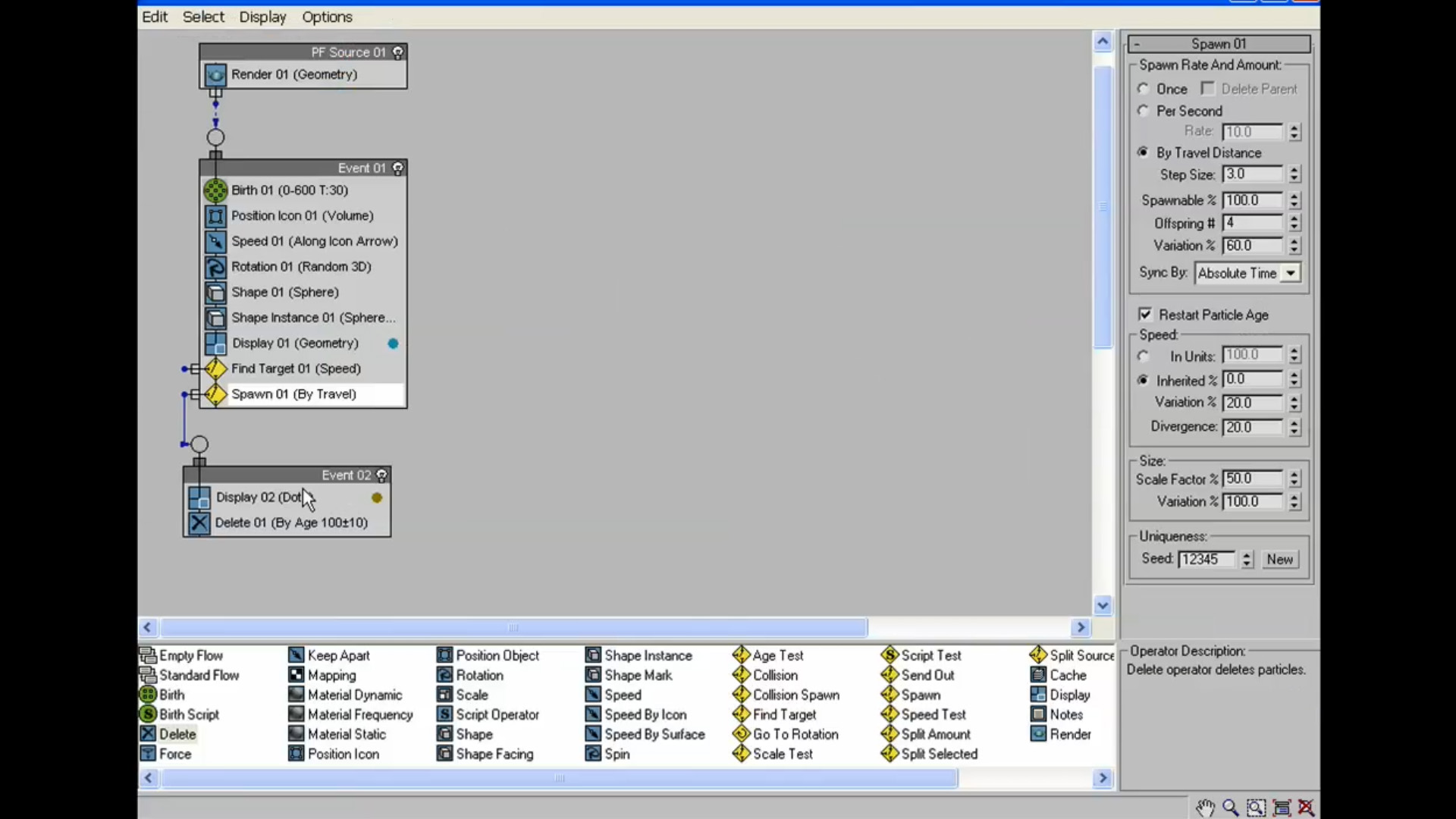
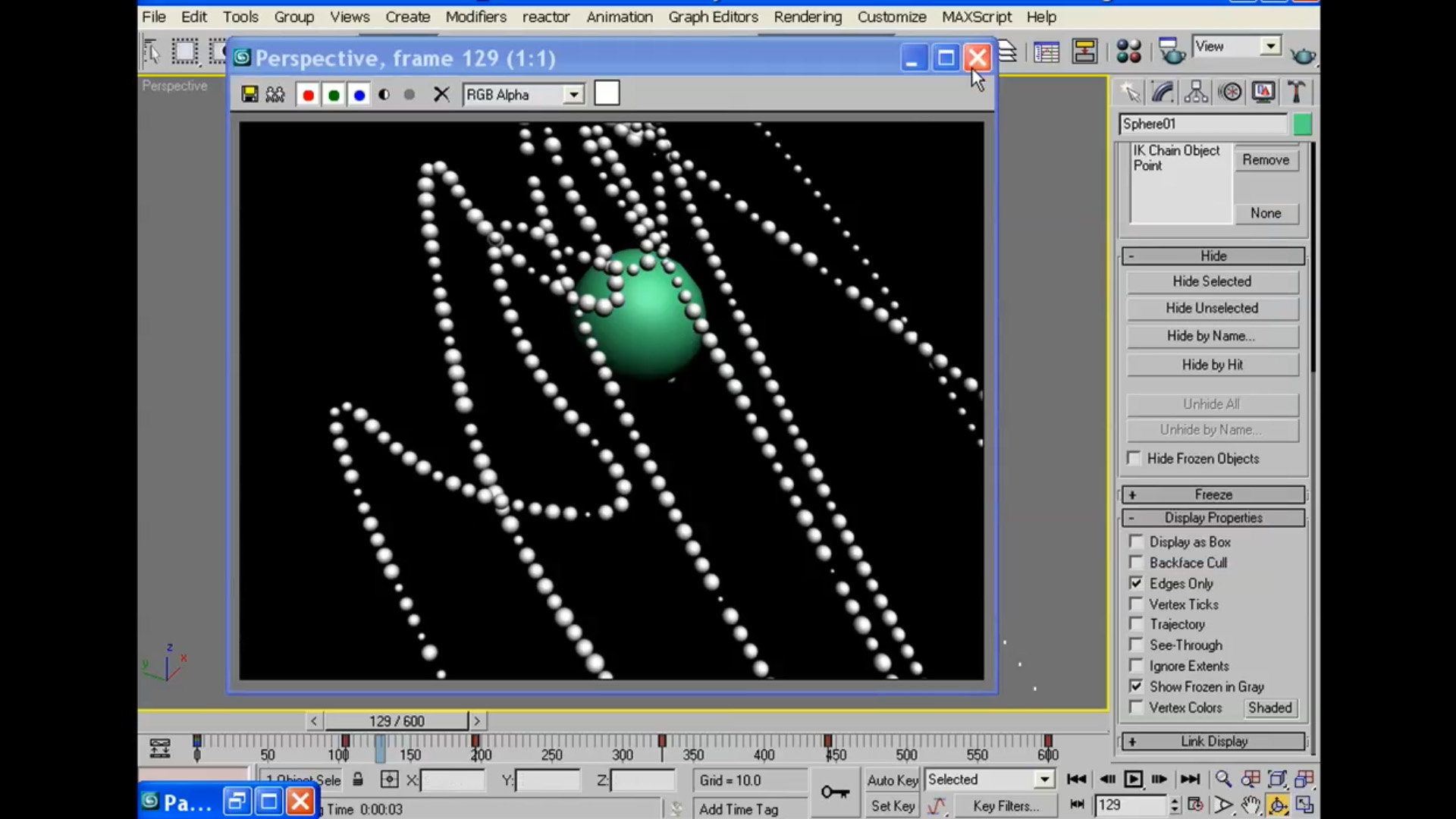
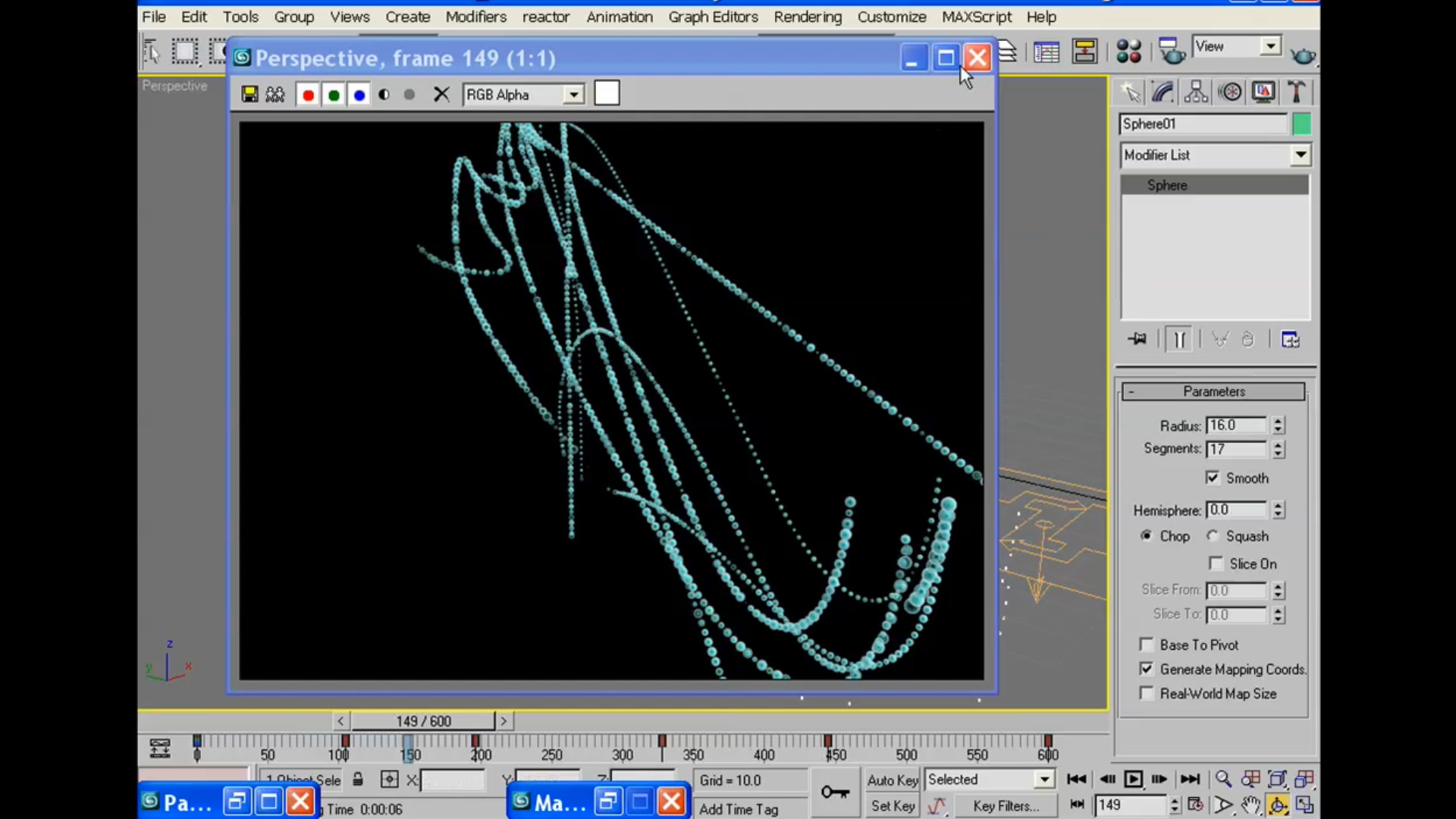
| 5 Particle System in 3D Studio Max | |
| 6 Carbon Title Animation | |
| 7 News Intro Channel ID/Ident | |
| 8 Rain Weather over Footage | |
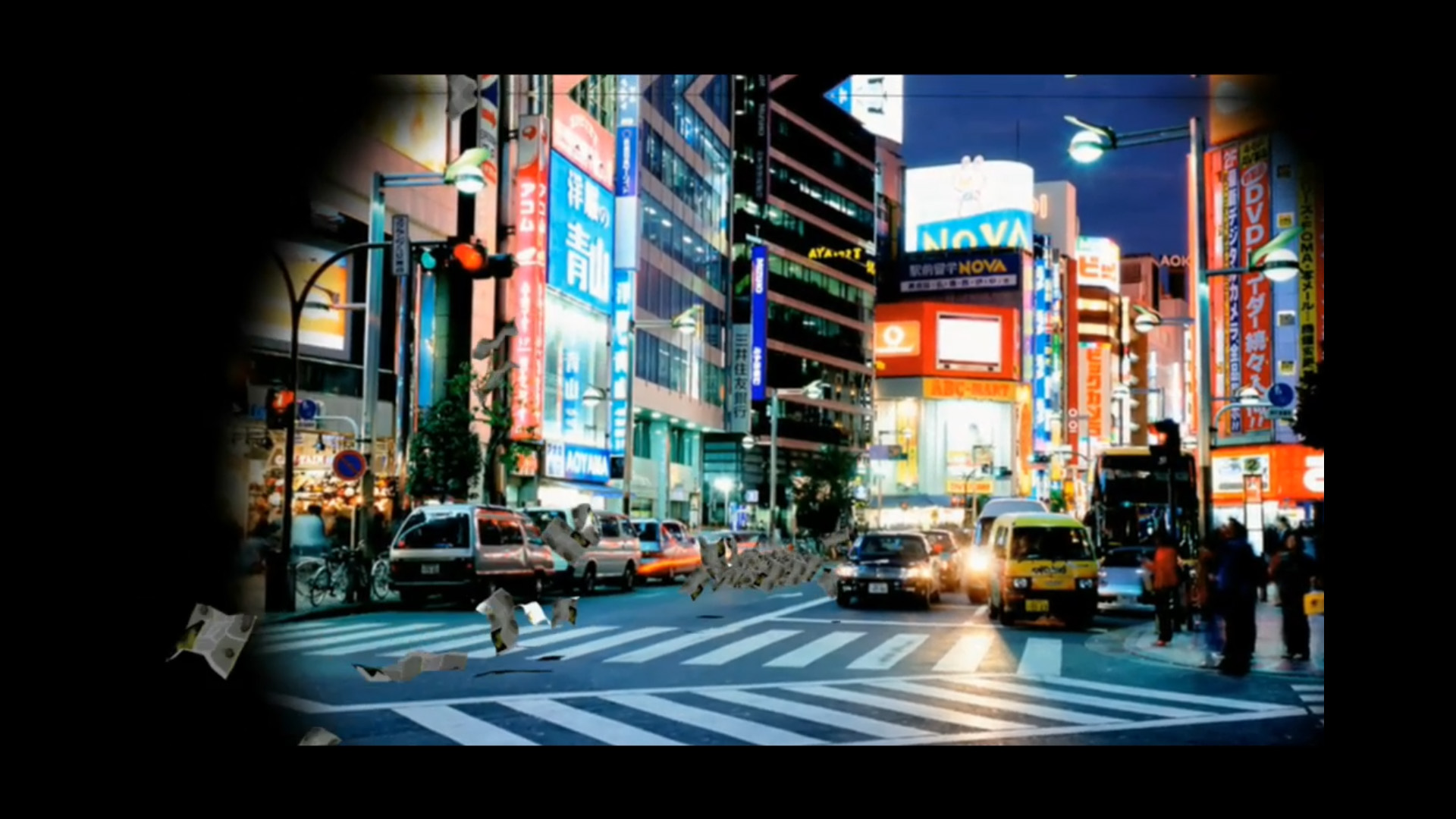
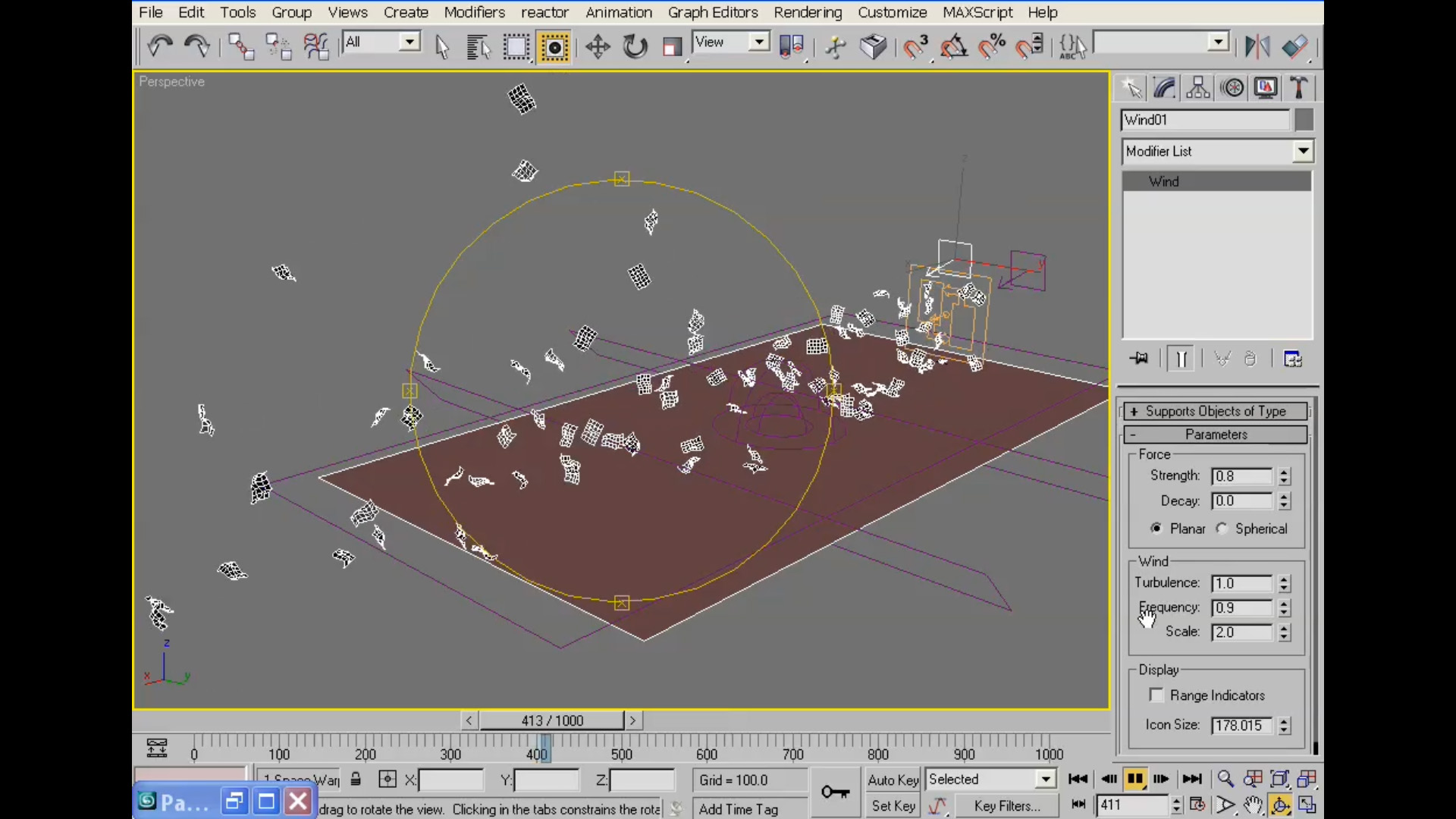
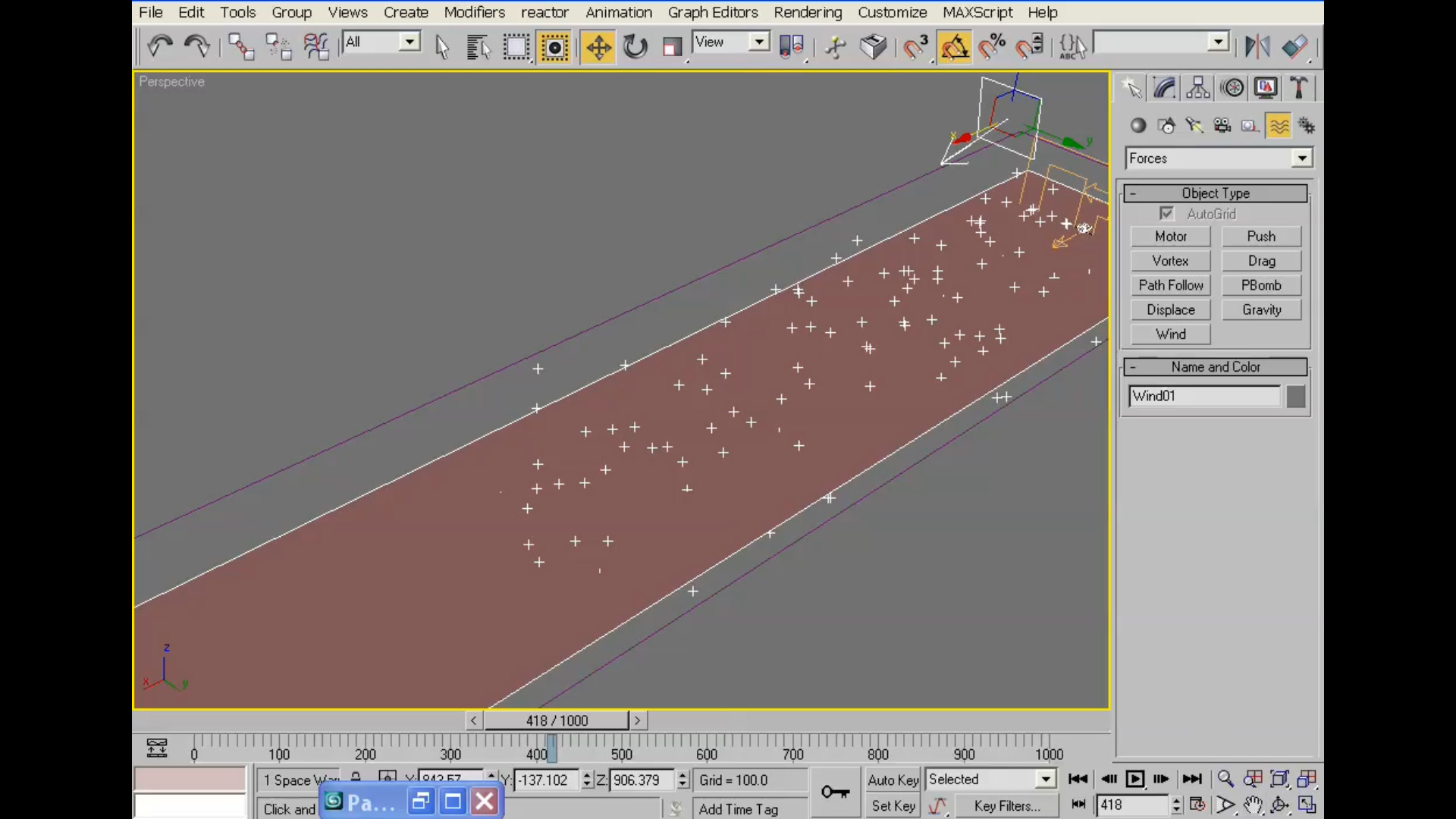
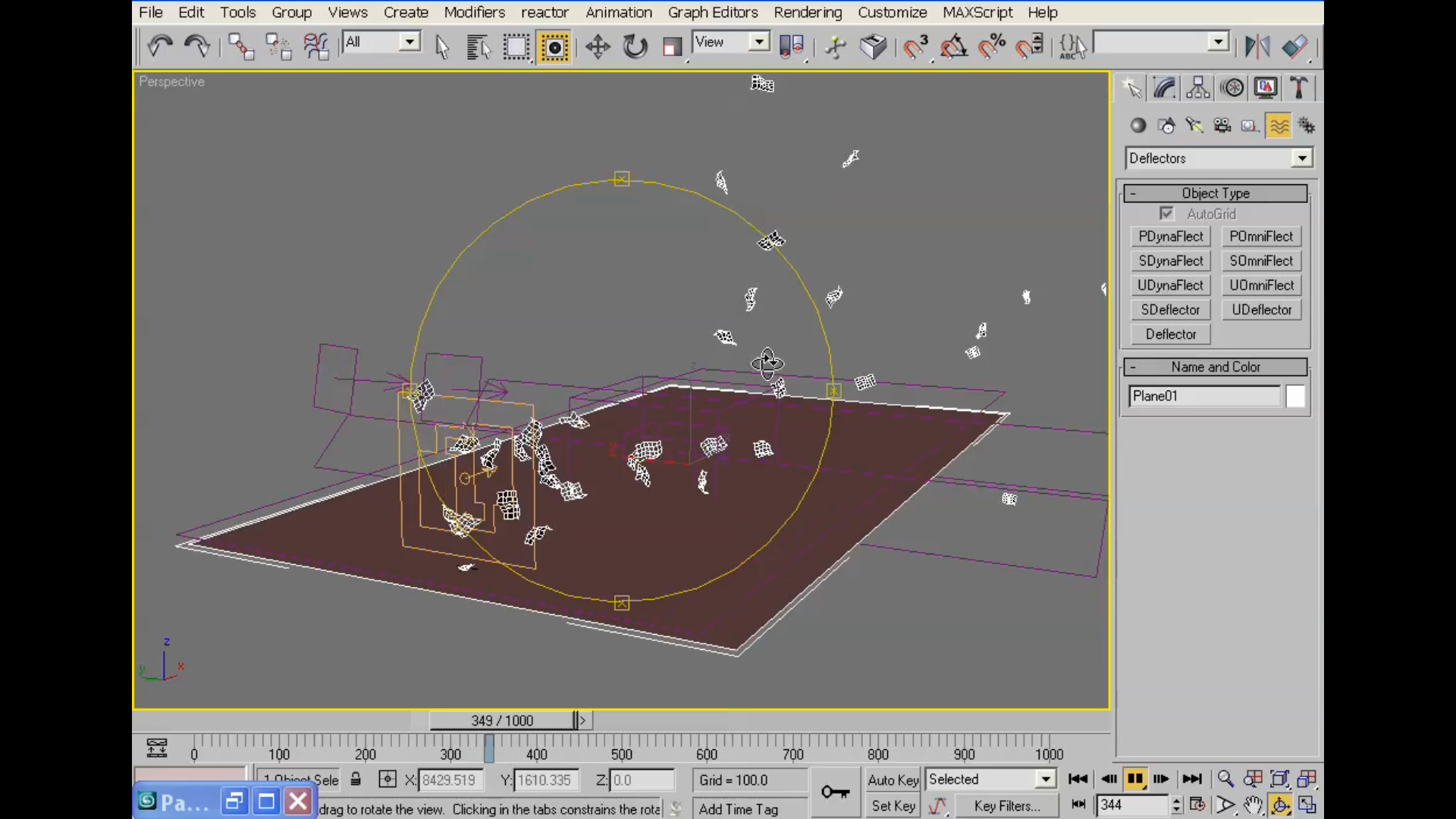
| 9 Papers Blowing Through Street in 3D Studio Max |



2. What software do I need to create these amazing animations?
All you need is:
• Autodesk 3D Studio Max and Adobe After Effects
• PC/Mac computer with at least 500 Megabytes of RAM
• A video player watch the video tutorials
3. Do I need any Plugins?
Our aim here at www.henrythejedi.com, is to help you bring out the true artist in you
You do not need any plugins to complete each of the tutorials on this DVD
We know that we cover some advanced topics on this training DVD, but we show you just exactly how you can create
some of the most awesome animations and designs using only the built-in tools
4. How do I buy this DVD or How Do I order a copy?
You can buy using PayPal, your Bank Credit Card, your Bank Debit Card(if supported), or Western Union(If you do not have a bank account)
CLICK HERE for detailed information on How To Order or How To Buy our Amazing Products or visit our Support Page









We accept payment via Paypal, Visa, Mastercard, Discover Card, American Express
For the customers without bank account, we accept payment via Western Union and Moneygram
You can also pay via a direct bank transfer
All your payment information data is protected by Secure Socket Layer (SSL) technology certified by a digital certificate. CLICK HERE for help
Only your personal information needed to complete your order is shared wth Paypal.
Reviews
There are no reviews yet.